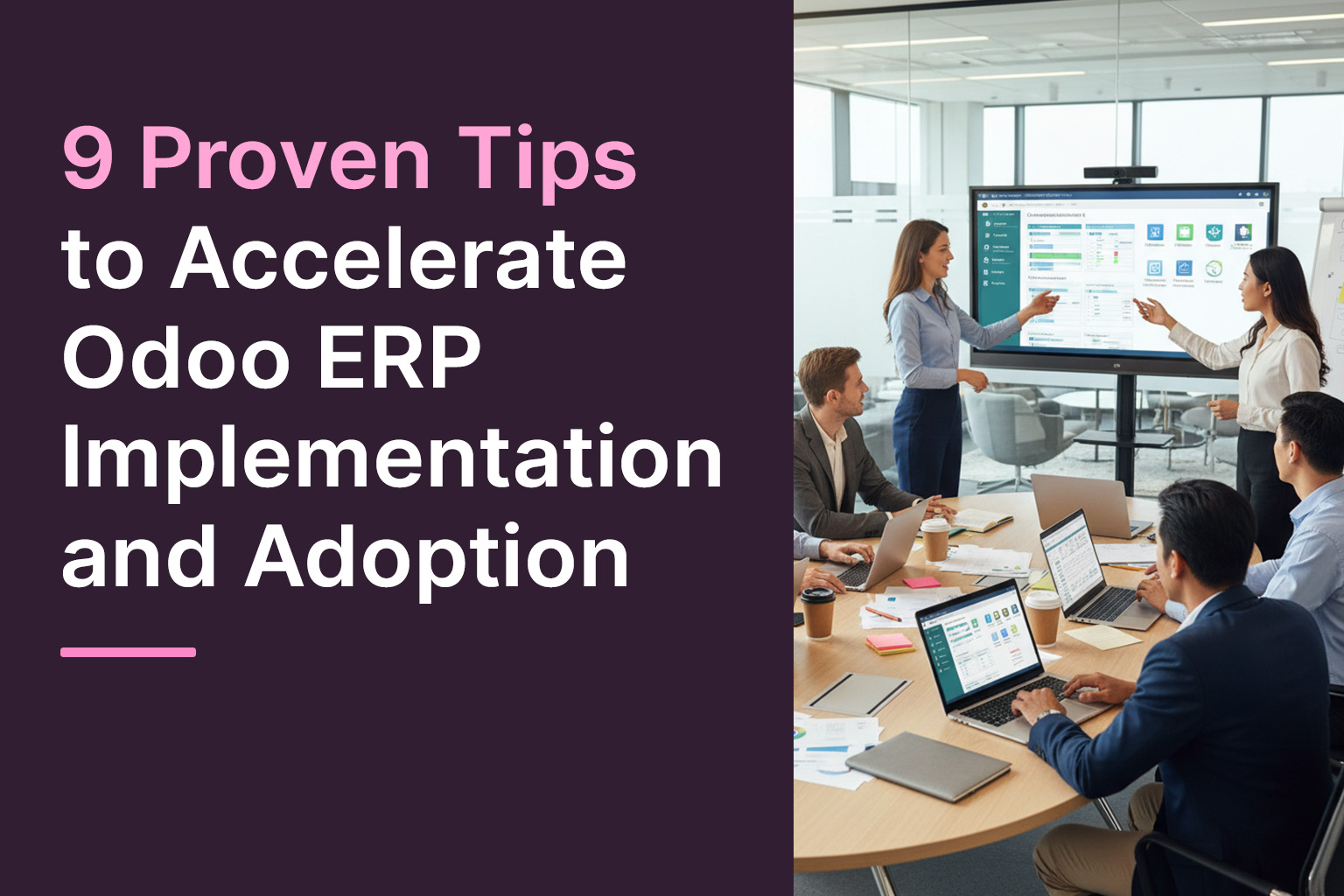
Introduction: Why Speed and Adoption Matter
Choosing to implement an ERP system such as Odoo is more than a technology decision-it’s a transformation of how your business operates. Many organisations invest heavily in implementation only to struggle with slow go-live, lingering customisations and poor user adoption. And even when technically live, the system may not deliver the value expected if users resist it or workflows remain clunky.
What if instead you could shorten your timeline, minimise disruption, and ensure your people actually embrace the system? That’s where smart preparation, strong partner selection and deliberate change-management come in. In this blog we’ll explore nine proven tips designed to accelerate your Odoo implementation and drive adoption-=whether you’re engaging professional Odoo implementation services, doing a full Odoo ERP implementation or simply optimising your rollout process.
Tip 1: Define Clear Goals and Scope Early
Many implementations stall because the objectives are vague or the scope grows unchecked. Start by asking: What business outcomes do we expect from Odoo? For instance: reduce order-to-cash cycle by 20 %, or improve inventory turns by 15 %. Having measurable goals helps keep the project on track.
Once goals are set, define a realistic scope: which modules, what integrations, what customisations. Avoid trying to do everything at once. Industry guides emphasise that a phased rollout is far more manageable than a big-bang deployment.
Example: A mid-sized manufacturing company chose to implement CRM, Sales and Inventory in the first 8 weeks, then added Manufacturing and WIP tracking in phase 2. That allowed them to stabilise the core before adding complexity.
Tip 2: Engage Stakeholders and Build Internal Champions
Implementation isn’t just an IT project-it’s a business change. Gaining early buy-in from key business units (finance, operations, sales, manufacturing) is essential. According to expert guides:
“Get the team onboard … Conduct workshops and training sessions to familiarise your team with Odoo’s features.”
Assign internal “champions” in each department-people who will advocate for the system, help with training and serve as the first line of support. Their involvement reduces resistance and helps surface issues early.
Tip 3: Choose the Right Partner and Implementation Approach
Your choice of partner for Odoo implementation services can make or break your timetable. Look for a provider with:
- Proven experience in your industry
- Appropriate certifications
- A structured methodology for Odoo rollout
External sources emphasise that partner selection is a key risk factor.
When partnering, set the expectation for transparency: fixed-cost or milestone-based billing helps maintain momentum. Make sure the partner covers not only configuration and customisation but also change-management, training and post-go-live support.
Tip 4: Clean Up and Migrate Data Strategically
A rushed data migration can quickly become a bottleneck. According to specialist guidance:
- Deduplicate and cleanse legacy data before migration.
- Map old fields to Odoo’s schema early.
- Run test migrations and validate results.
Poor data quality can erode trust in the new system and slow user adoption. One manufacturing client found that 30 % of their product master-data was inconsistent during migration—addressing that upfront saved weeks of cleanup later.
Tip 5: Prioritise a Phased Roll-out (Core First)
Rather than launching every module simultaneously, implement the core modules first—such as CRM, Sales, Inventory or Accounting—and expand later to Manufacturing, HR or eCommerce. Many articles recommend this phased approach.
By doing so, you:
- Reduce initial complexity
- Allow users time to learn the basics
- Identify issues early on small-scale before full expansion
Case insight: One client implemented core Sales & Inventory in month 1, then Manufacturing in month 4. The phased model allowed them to stabilise the platform before tackling production-floor integrations.
Tip 6: Strike the Right Balance Between Customisation and Standard
One of Odoo’s strengths is flexibility-but over-customising can slow the project, complicate upgrades and hamper adoption. Guidance warns:
“Avoid excessive customization that can break on upgrades.”
Implement as much business logic as possible using Odoo’s standard workflow before customizing. If a gap is genuine and critical, customise-but only after analysing upgrade-impact and maintainability. This will keep time-to-value shorter and improve long-term sustainability.
Tip 7: Invest in Training and Change Management
Even the most technically sound rollout can fail if end-users don’t adopt the system. Effective training and change-management accelerate adoption. As one article states:
“Effective training and change management are critical for adoption and ROI.”
Elements to include:
- Role-based training (e.g., sales reps, warehouse, finance)
- Hands-on workshops and real-world scenario simulations
- Internal power-users/champions who can support others
- Post-go-live refresher sessions and help-desk support
Real-world insight: In one implementation, scheduling weekly drop-in clinics for the first month after go-live helped resolve user issues quickly and improved system confidence.
Tip 8: Set Performance Baselines and Monitor Adoption Metrics
Once live, you need to monitor both system performance and user adoption. From performance-tuning literature (though more technical) we know that tuning the system early helps usage.
But adoption metrics matter too. Track measures such as:
- % of users logging in weekly
- Number of process transactions executed via Odoo vs old systems
- User-reported issues and resolution times
- Module usage rates
Use dashboards to highlight adoption and identify lagging departments. Communicate wins (e.g., “30% reduction in manual invoice processing”) to build momentum and keep users engaged.
Tip 9: Provide Ongoing Support and Continuous Improvement
Go-live isn’t the finish line-it’s the beginning of a new operational mode. Many guides stress continuous support and evolution.
Key actions:
- Maintain a support team (internal or via partner) to address questions, issues and enhancements
- Periodically review workflows and look for improvement opportunities
- Plan for upgrades and new modules as business needs evolve
- Celebrate successes and refine under-utilised modules
By doing so you increase ROI from your Odoo ERP implementation, and ensure the system remains aligned with the business growth.
Conclusion
When you engage in an Odoo implementation or seek out Odoo implementation services, the goal is not merely to install a system-it’s to embed a tool that transforms your operations, improves accuracy, streamlines processes and gains user buy-in. By following these nine actionable tips, you mitigate common risks, accelerate your project timeline and boost adoption across your organisation.
If you’re looking for a strategic partner, choose one who offers full-cycle Odoo ERP implementation services-from planning & scoping, through configuration and migration, to training, go-live support and continuous improvement. That way, you don’t just go live-you thrive live
Leave a Reply